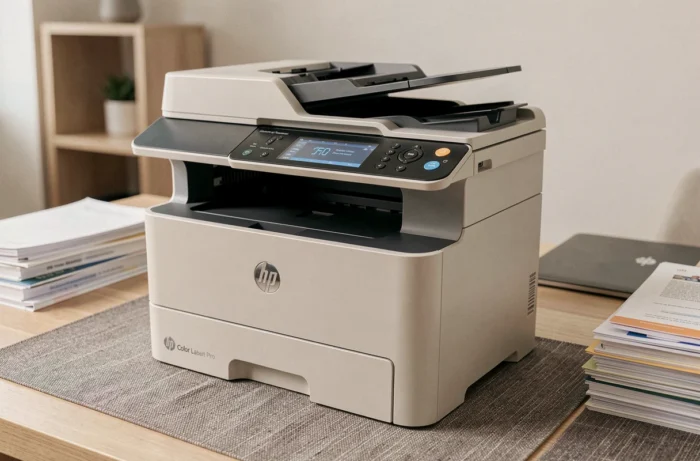
The HP Color LaserJet Pro MFP M280nw combines color laser printing, scanning, and copying in a compact format designed for small offices. Rather than listing its features like a product sheet, this article measures its real performance against the expectations of daily use: speed, color quality, network connectivity, and cost per page.
Technical specifications of the HP M280nw compared to competing color laser multifunction printers
The table below summarizes the key specifications of the M280nw and compares them to the criteria typically sought for an entry-level color laser multifunction printer.
| Criterion | HP Color LaserJet Pro MFP M280nw | Entry-level segment expectation |
|---|---|---|
| Technology | Color laser | Color laser |
| Functions | Printing, copying, scanning | Printing, copying, scanning (sometimes fax) |
| Automatic duplex printing | No | Often included |
| Connectivity | USB, Ethernet, Wi-Fi | USB, Wi-Fi (Ethernet sometimes optional) |
| Control screen | Color touchscreen | LCD or touchscreen depending on model |
| Maximum format | A4 | A4 |
The immediate point that stands out: the absence of automatic duplex printing. In this segment, most competitors include it. For office use with volumes of internal documents, this lack weighs heavily in daily operations.
On the other hand, the simultaneous presence of Ethernet and Wi-Fi, coupled with a color touchscreen, places the M280nw above some rivals that require a choice between wired and wireless connectivity.
Color and black print quality of the LaserJet Pro M280nw
As shown in the test of the HP Color LaserJet Pro MFP M280nw conducted under real conditions, print quality is the area where this multifunction printer stands out most clearly.
Black text documents come out with satisfactory sharpness for professional correspondence and reports. Color remains true on graphics and presentations, with uniform fills and acceptable gradients for this price range.
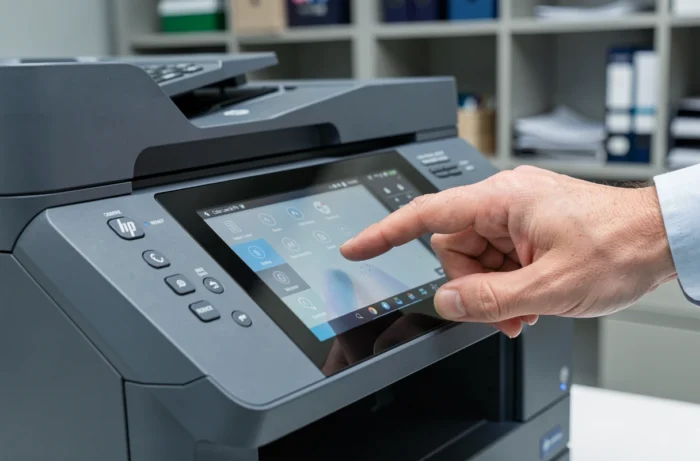
The flatbed scanner offers adequate scanning for document archiving. The optical resolution captures sufficient details for invoices or contracts, without reaching the level necessary for demanding photo scanning.
- Color prints on standard paper maintain a clean output, without smudges, even on dense diagrams
- The black toner produces readable text from the first pages, without any noticeable warm-up phase affecting quality
- Scanning to email or network folder works directly from the touchscreen, without going through a computer
The downside comes from the cost of consumables. Four separate toner cartridges (cyan, magenta, yellow, black) require careful tracking. The cost per color page remains a point to monitor if the volume exceeds a few hundred pages per month.
Firmware and network security: an underestimated criterion for SMEs
Commercial sheets rarely touch on this point. The M280nw still receives active firmware updates, with recent versions referenced in HP support databases. The firmware has gone through several major update cycles since the product’s release, indicating that HP actively maintains this device.
Cybersecurity organizations, including the National Cybersecurity Authority in Saudi Arabia, regularly publish alerts regarding vulnerabilities in HP devices connected to the network. Their recommendations are clear: systematically apply HP security updates for network printers.
For an SME connecting its multifunction printer to the local network, keeping the firmware up to date is not a technical detail but a basic precaution. The M280nw, thanks to its Ethernet port and Wi-Fi, remains exposed to the same risks as any unpatched network device.
One point deserves attention: some users report that recent firmware updates change compatibility with third-party consumables. Before updating, checking the release notes can help avoid making an already purchased compatible toner unusable.
Configuration via HP Smart: field feedback on installation
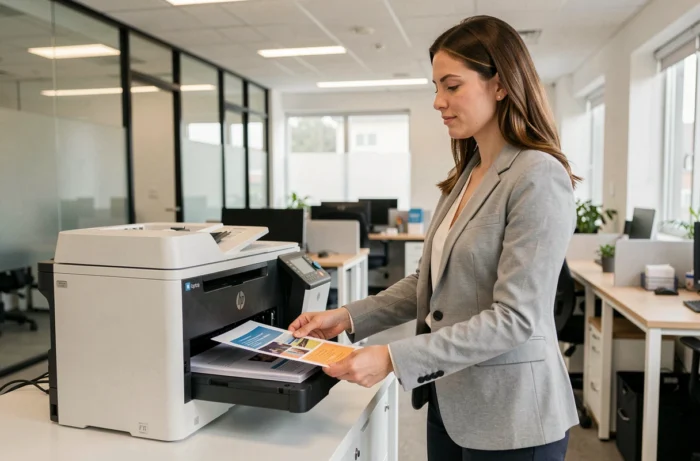
The HP Smart app is essential for the initial setup of the M280nw. User feedback dated mid-2026 describes an uneven experience depending on the platforms.
- On Windows, installation via HP Smart generally goes smoothly, with automatic detection of the printer on the network
- On macOS and some mobile devices, users report slowdowns or failures in initial Wi-Fi connection, sometimes requiring the use of a USB cable to finalize the setup
- The M280nw’s touchscreen allows for Wi-Fi configuration directly on the device, bypassing issues related to the app
Direct configuration via the touchscreen remains the most reliable option for quickly connecting the multifunction printer to the network without relying on a sometimes capricious third-party app.
Conclusion: who is the HP M280nw really for?
The HP Color LaserJet Pro MFP M280nw occupies a specific niche: a compact, connected color laser multifunction printer designed for moderate printing volumes. Its color print quality and complete network connectivity (Ethernet and Wi-Fi) are its main strengths.
The absence of automatic duplex printing and the cost of the four separate toners limit its relevance for high-volume offices. The M280nw is suitable for freelancers and small teams that print fewer than a few hundred color pages per month. Beyond that, the cost per page and the manual handling of duplex printing become tangible constraints.